Pick the format before the quality
Most of the saving comes from the format, not the slider:
| Content | Best format | Why | | --- | --- | --- | | Photographs | WebP or AVIF | 25–50% smaller than JPEG at the same quality | | Screenshots, logos, flat colour | PNG or WebP | Sharp edges survive; JPEG smears them | | Anything needing transparency | WebP, PNG or AVIF | JPEG has no alpha channel | | Maximum compatibility | JPEG | Opens everywhere, including 20-year-old software |
Converting a photograph from JPEG to WebP at the same visual quality typically saves more than dropping JPEG quality from 90 to 70 — and looks better doing it.
What the quality number means
It is not a percentage of anything. It controls how aggressively the encoder discards detail the eye is least likely to notice, and the scale is not linear: the step from 95 to 85 costs almost nothing visually and saves a lot, while 60 to 50 is where artefacts start showing up around edges and in flat gradients.
Transparency and JPEG
JPEG has no alpha channel. Converting a transparent PNG to JPEG has to put something behind it, and this tool paints white — the usual expectation. If your image sits on a dark background, that white fringe is why. Use WebP instead.
Metadata disappears
Re-encoding produces a new file from the decoded pixels, so EXIF goes with it: camera, lens, timestamp and GPS coordinates. For anything you are publishing this is a feature — holiday photos routinely carry the coordinates of the house they were taken in. If you need the metadata preserved, compress with a tool that operates on the file rather than on the pixels.
Questions
Are my images uploaded?+
No. Decoding and re-encoding both happen in this tab using the browser's canvas API. You can open the network panel and watch — nothing is sent while you work, which is the reason to use a local compressor for anything with a face, a document or a screenshot of internal software in it.
What quality should I use?+
75 is a sensible default for photographs and is where most CDNs sit. Push to 85 for images with fine detail or text, and drop to 60 for large decorative backgrounds nobody looks at closely. The difference between 90 and 100 is almost always invisible and roughly doubles the file.
Why did my PNG get bigger?+
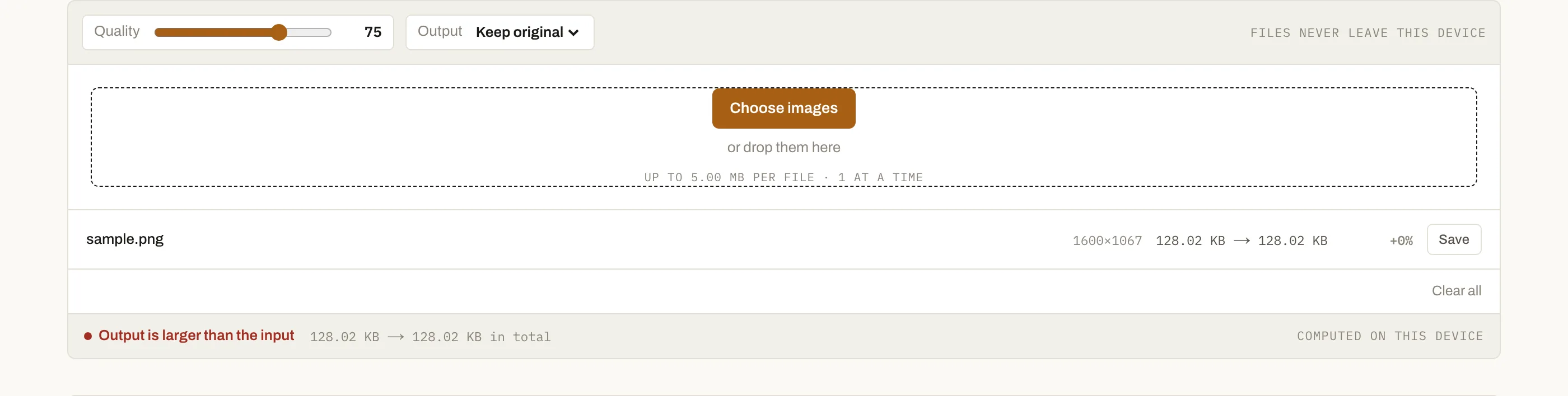
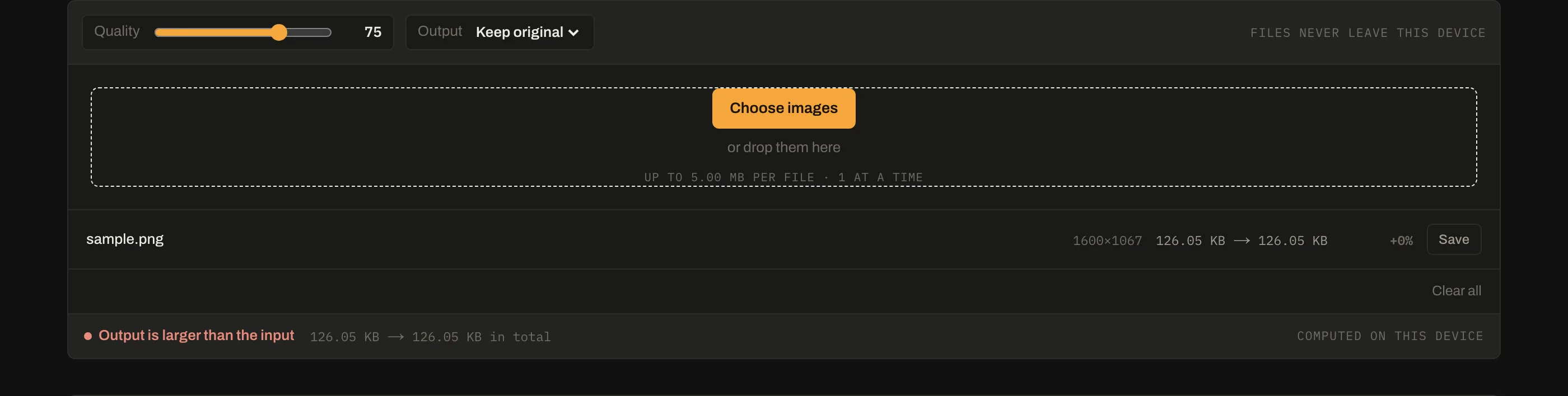
Because canvas re-encoding is lossy-format-friendly and PNG is not. A PNG of a screenshot or a logo is already efficiently compressed, and passing it through canvas can lose that. For flat-colour images, convert to WebP instead — the status bar tells you when the output grew rather than shrinking.
Does compression strip EXIF and location data?+
Yes, as a side effect. Canvas re-encoding produces a new file from pixels alone, so camera model, timestamps and GPS coordinates do not survive. That is usually desirable for anything published to the web, and worth knowing if you needed to keep them.