What each format is for
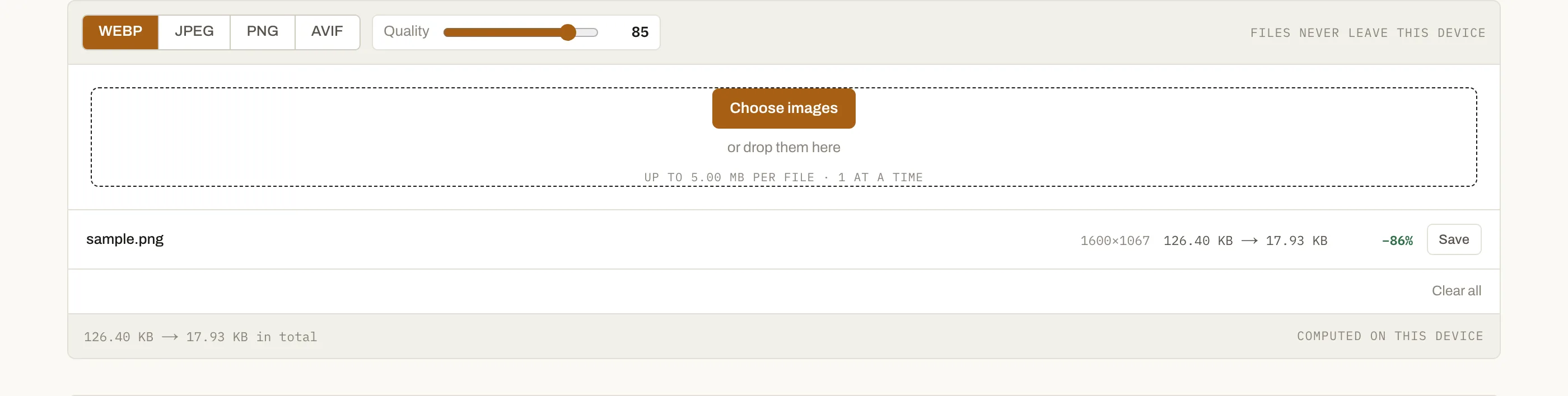
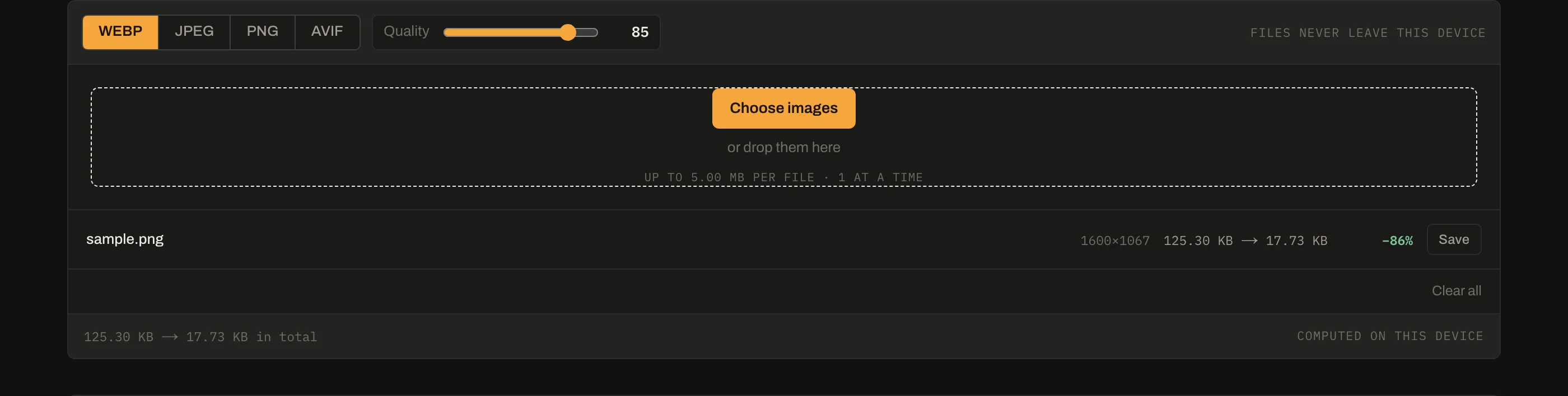
- WebP — the default choice for the web. Roughly 25–35% smaller than JPEG at matching quality, supports transparency and animation, and is supported everywhere current.
- AVIF — smaller again, particularly at low quality, at the cost of slower encoding and patchier support.
- JPEG — universal compatibility, no transparency, and the only sensible choice when something very old has to open the file.
- PNG — lossless. Correct for logos, screenshots, diagrams and anything with hard edges or transparency; wrong for photographs.
Conversion is not restoration
Going from a lossy format to a lossless one cannot recover what was thrown away. A JPEG converted to PNG is a large file containing JPEG artefacts, faithfully preserved. Convert from the highest-quality original you have — and if the only copy you have is already compressed, accept that and pick the smallest sensible output rather than the largest.
Encoding support is not display support
A browser that shows AVIF images does not necessarily encode them. When encoding
is unavailable the canvas API does not throw — it returns a different format
without complaint, which is how people end up with files named .avif that are
really PNGs. This tool compares the returned MIME type against what you asked
for and says so when they differ.
Programmatic conversions
Most people arrive looking for one specific conversion rather than a general
tool — jpg to png, png to webp, heic to jpg. Those have their own pages
because that is how the question gets asked; they all run this same converter
with the target format pre-selected.
Questions
Which format should I actually use?+
WebP for almost everything on the web today — it handles photographs and flat colour, supports transparency, and is supported by every current browser. AVIF is smaller still but slower to encode and not universally supported. Keep JPEG only where compatibility with old software matters, and PNG only for images that must be lossless.
Why did AVIF fail to convert?+
Not every browser can encode every format, even when it can display it. When the browser refuses, it quietly falls back to another format rather than erroring, so this tool checks what actually came back and tells you. Try WebP, or use a desktop encoder for AVIF.
Will converting to PNG improve quality?+
No. Converting a JPEG to PNG preserves the artefacts already in the JPEG and makes the file much larger. Lossy compression is not reversible: once detail is discarded, a lossless container just stores the damaged version faithfully.
What happens to transparency when I convert to JPEG?+
It is filled with white, because JPEG has no alpha channel. If your image is meant to sit on a coloured or dark background, that white area will be visible. Convert to WebP or PNG instead when transparency matters.