Why WebP is usually the right answer
One format that does what three used to:
| Instead of | WebP gives you | | --- | --- | | JPEG | 25–35% smaller at the same visual quality | | PNG | Lossless mode, 20–30% smaller, transparency intact | | Animated GIF | A fraction of the size, far more colours |
The decision is rarely close. The reason JPEG persists is compatibility outside the browser, not quality per byte.
Lossy or lossless
WebP has both modes, and the right one follows the content rather than a preference:
- Photographs — lossy, quality 75–85. Below 60 the artefacts around edges become visible.
- Screenshots, logos, diagrams, anything with text — lossless. Lossy WebP smears the edges of text exactly the way JPEG does.
Converting the other way
WebP to JPEG or PNG works here too, and there are two honest reasons for it: a tool in your pipeline that refuses WebP, and a recipient who cannot open it. Neither improves the image — a WebP converted to JPEG carries the WebP's artefacts plus new ones, so convert from the original wherever you still have it.
Where the files go
Nowhere. Decoding and encoding both happen in this tab through the browser's own image APIs, which is why the tool keeps working with the network off and why a folder of client photographs can go through it without a second thought.
Questions
How much smaller is WebP than JPEG?+
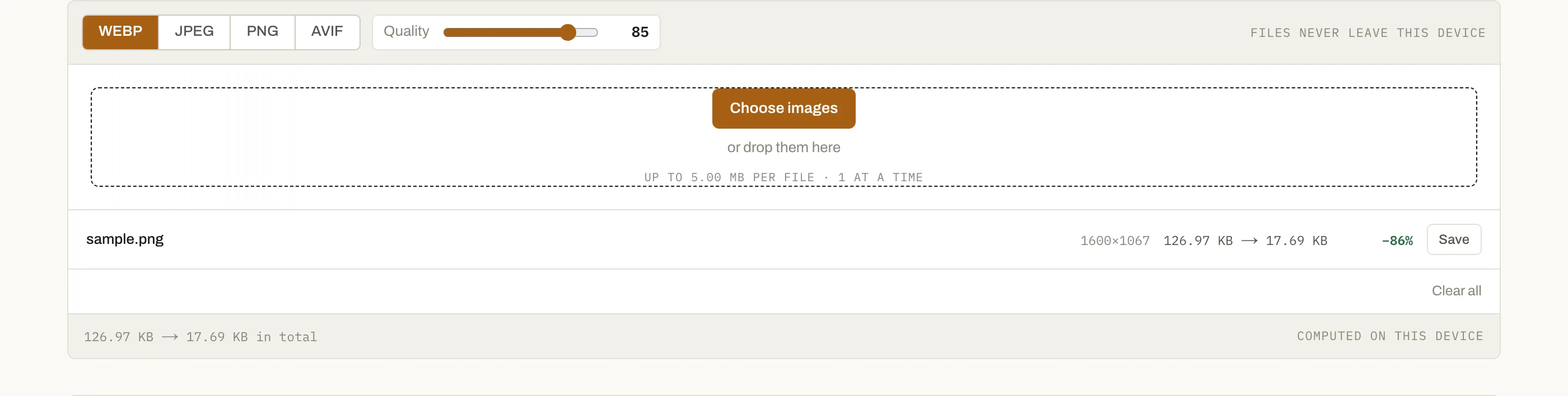
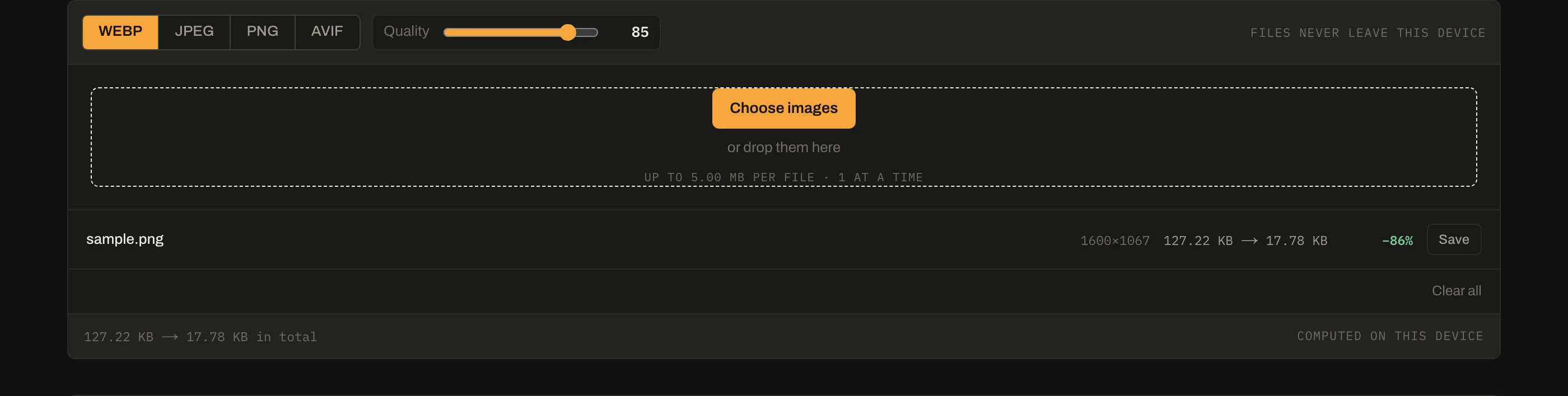
Typically 25–35% at matching visual quality, and more for images with flat areas or sharp edges. The per-file table shows the real figure for your images rather than a claim — content varies enough that any single number is a guess.
Is WebP supported everywhere now?+
Yes, in every browser released in the last several years. The awkward cases are outside browsers: some older desktop software, a few email clients and the occasional CMS still refuse it. Keep a JPEG fallback only where you know one of those is in the path.
Does WebP support transparency and animation?+
Both. That is what makes it a genuine replacement for PNG and GIF as well as JPEG — one format covering all three, usually at a fraction of the size of an animated GIF.
Should I convert PNGs to WebP?+
Almost always, and the saving is often larger than for JPEGs. A screenshot or a logo in lossless WebP is typically 20–30% smaller than the same PNG, with pixel-identical output.