The three payloads worth generating
- A URL — the common case. Encode the final destination, not a shortener, so the code keeps working if the shortener disappears.
- A Wi-Fi credential —
WIFI:T:WPA;S:network;P:password;;. A phone joins the network on scan without anyone typing the password. - A contact card — a vCard, which most phones offer to save directly.
Print size is the thing that actually breaks
A QR code fails to scan far more often because of size than because of data. The rule of thumb is that the printed code should be at least one tenth of the scanning distance: a code read from two metres wants to be about 20 cm across. Add a quiet margin around it — the white border is part of the specification and scanners use it to find the code's edges.
Contrast and inversion
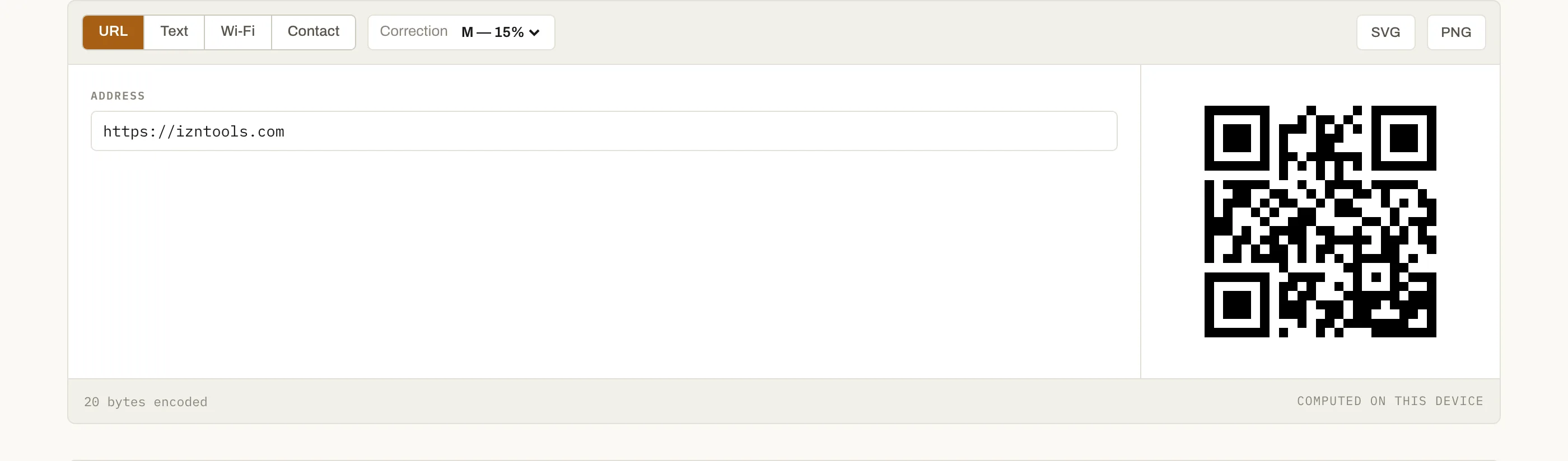
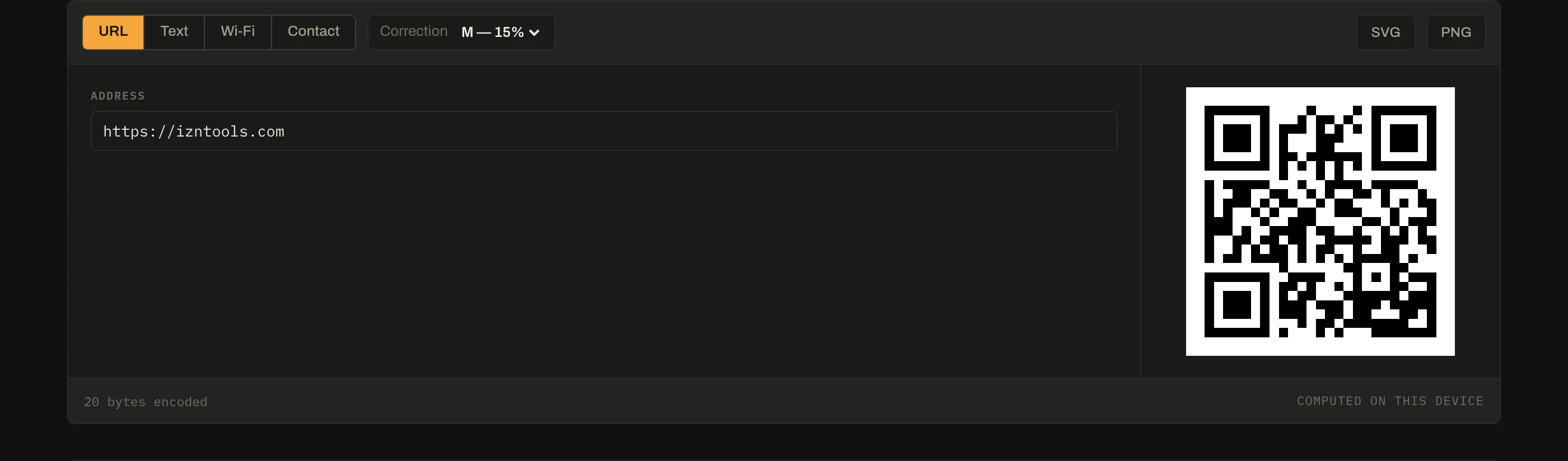
Dark code on a light background, always. Inverted codes — light modules on dark — are unreliable across scanners, and so is a code printed over a photograph. Keeping it black on white costs nothing and removes a whole class of "it works on my phone" problems.
Why generated locally matters here
A QR code encoding a link is only as durable as whatever the link points to. A generator that inserts its own tracking domain gives you a code that dies with that service, and quietly logs everyone who scans it. This one encodes exactly what you typed — the payload byte count in the status bar is the whole story.
Questions
Do these codes expire or get tracked?+
No. The code is generated in your browser and encodes your data directly, so there is no redirect service in the middle that could expire, rate-limit, or count scans. Many free generators quietly encode a link to their own domain instead — those stop working the day the service does.
Which error-correction level should I pick?+
M (15%) for anything on a screen or clean print. Go to Q or H when the code will be small, printed on something that scuffs, or partly covered by a logo. Higher correction means more modules for the same data, so the code gets visually denser and needs to be printed larger.
Is the Wi-Fi password encrypted in the code?+
No, and it cannot be. The Wi-Fi QR format stores the password as plain text; any scanner reads it. That is fine for a guest network on a café table and wrong for your main network — print it accordingly.
SVG or PNG?+
SVG for anything printed or resized — it is vector, so it stays sharp at any size and is a fraction of the file size. PNG when a tool refuses SVG. Never scale up a small PNG of a QR code; the blurred module edges are what makes a code fail to scan.
How much data fits?+
Enough for a URL, a Wi-Fi credential or a short contact card. A QR code holds a few thousand characters at most, and the practical limit is far lower because every extra character adds modules and shrinks each one. If the tool says there is too much data, shorten the payload rather than raising the size.